Branch Sharing Settings
Branch Sharing Settings is used to share and manage common master data across multiple branches within the organization. This helps maintain consistency and avoids duplicate data entry.
Using this feature, users can share Inventory, Chart of Accounts, Bank Accounts, Suppliers, and Customers from one branch to another.
Inventory
This option allows inventory items to be shared between branches.
- Select the target branch from the dropdown to which the inventory items need to be added.
- Click on Existing to view the list of inventory items available across all branches.
- Select the required items to add them to the chosen branch.
The Existing option displays all inventory items created in other branches, enabling easy and quick sharing.
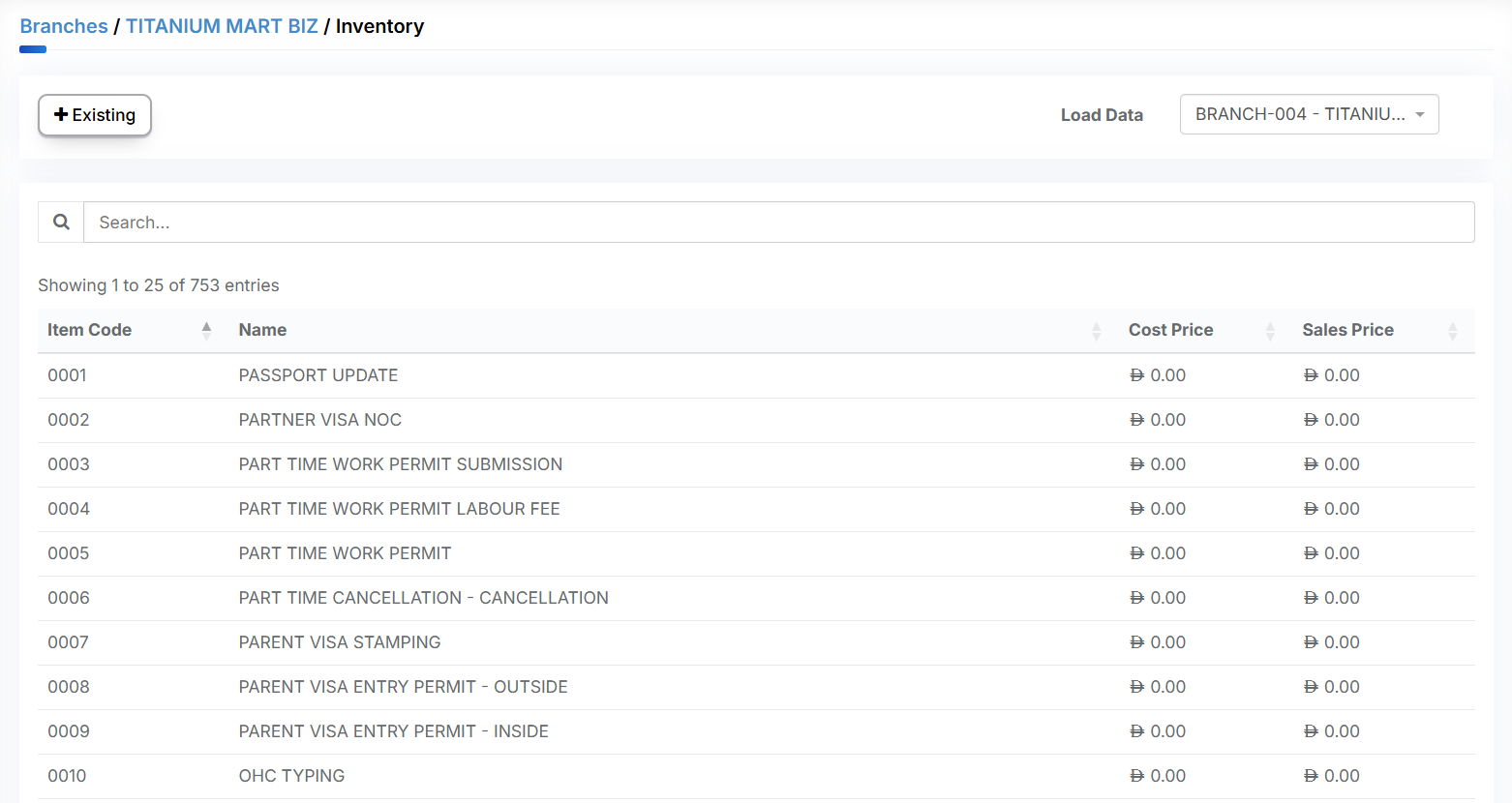
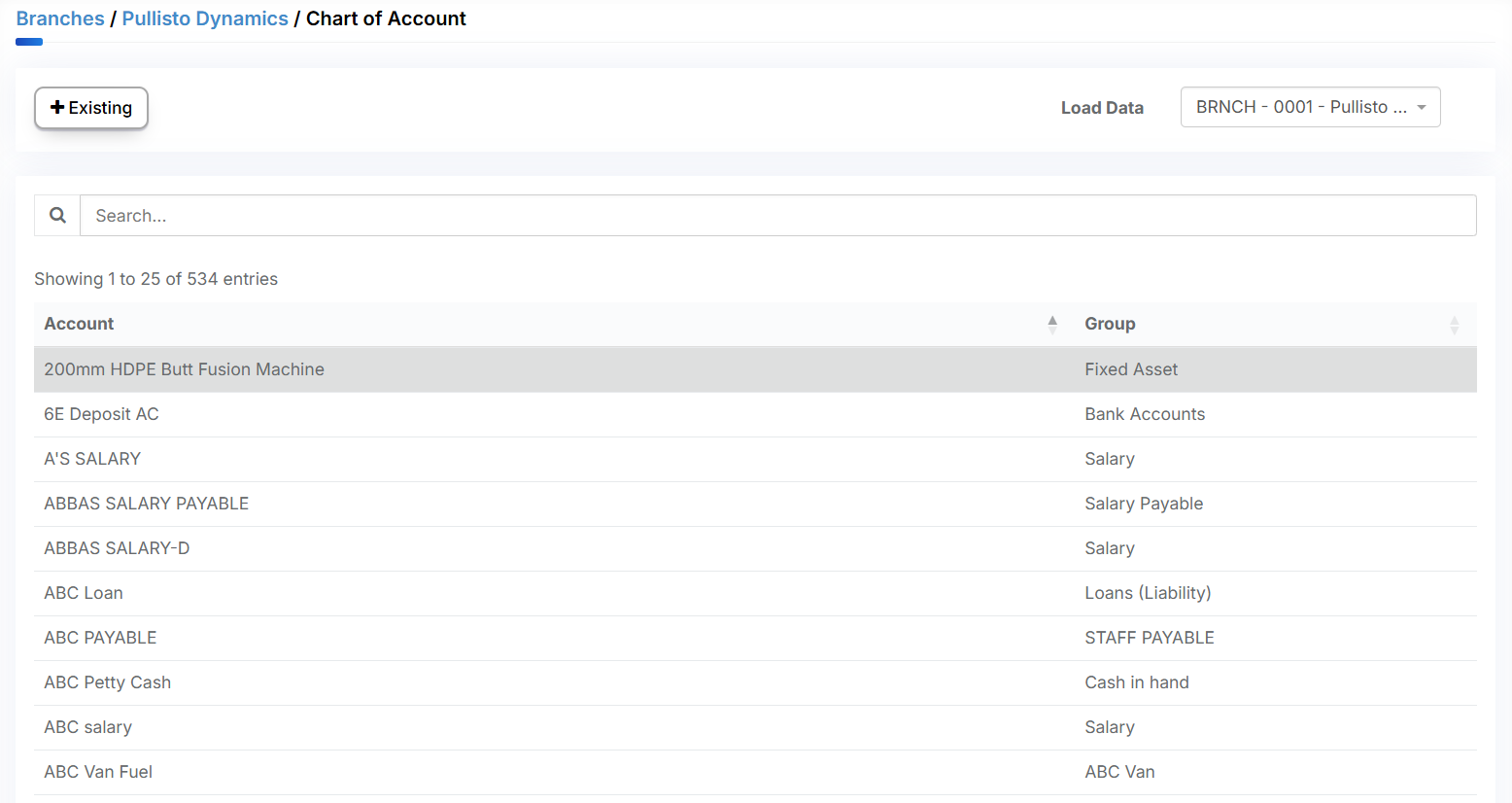
Chart of Account
This option allows sharing of ledger accounts between branches.
- Select the target branch from the dropdown to which the Chart of Accounts needs to be added.
- Click on Existing to view the list of chart of accounts available across all branches.
- Select the required ledger accounts to add them to the selected branch.
This ensures uniform accounting structure and reporting across branches.
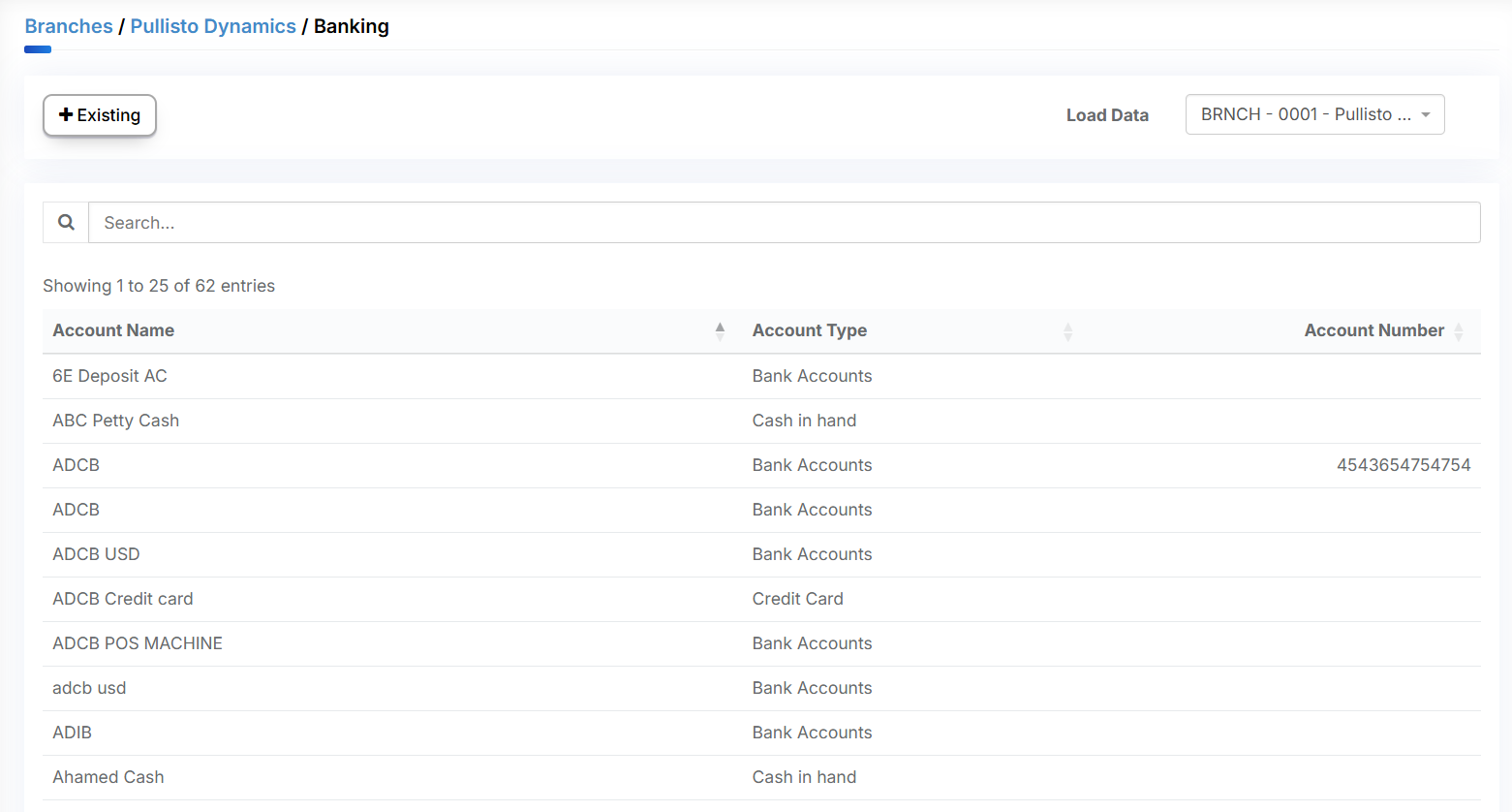
Bank Account
This option allows bank account details to be shared between branches.
- Select the branch from the dropdown to which the bank account needs to be added.
- Click on Existing to view the list of bank accounts created in other branches.
- Select the required bank accounts to add them to the selected branch.
This helps maintain centralized bank information while enabling branch-level transactions.
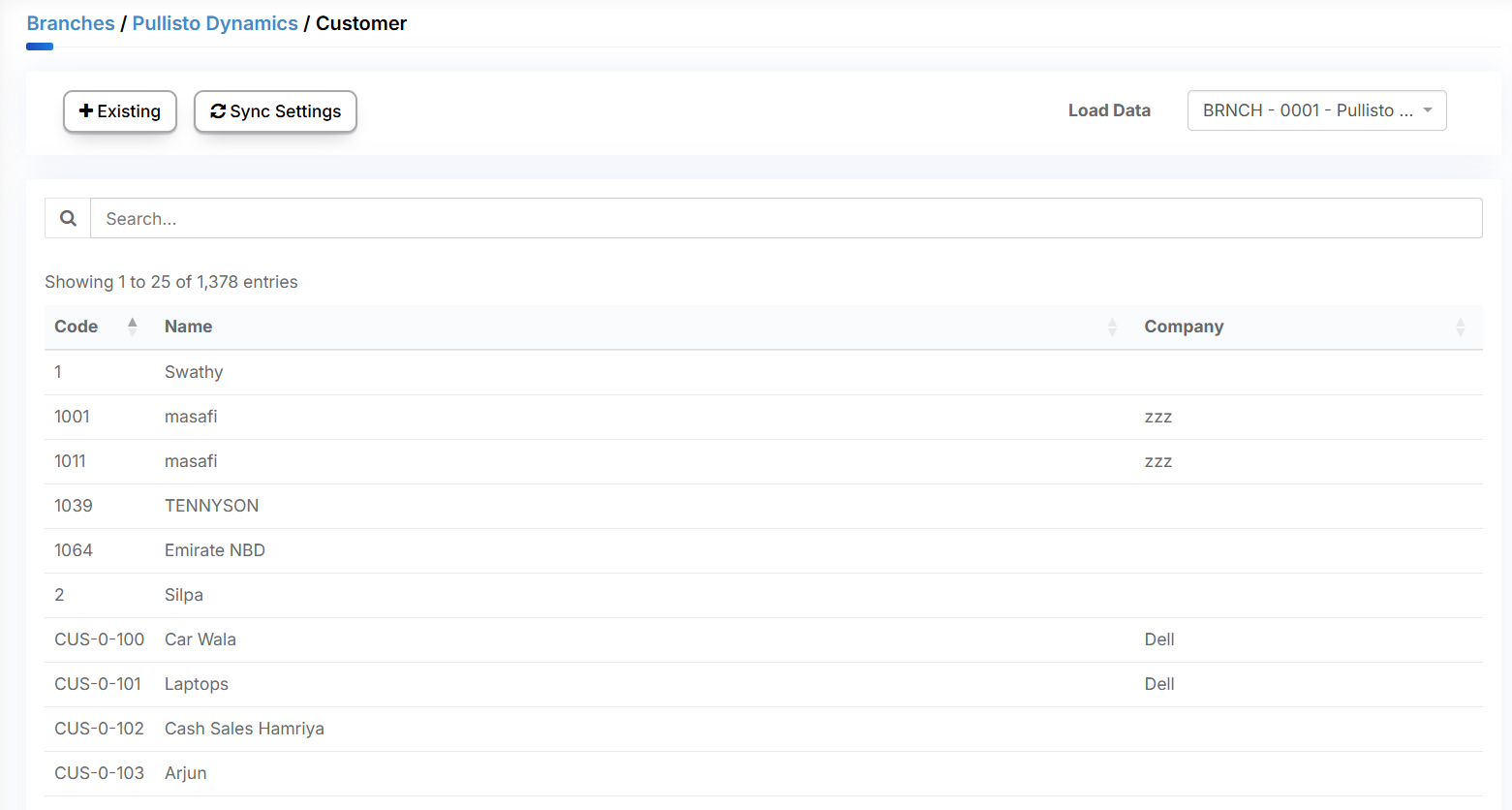
Customer
This option allows customer masters to be shared across branches.
- Select the branch from the dropdown to which customers need to be added.
- Click on Existing to view the list of customers available in other branches.
- Select the required customers to add them to the selected branch.
Shared customers can be used for sales transactions across multiple branches.
Supplier
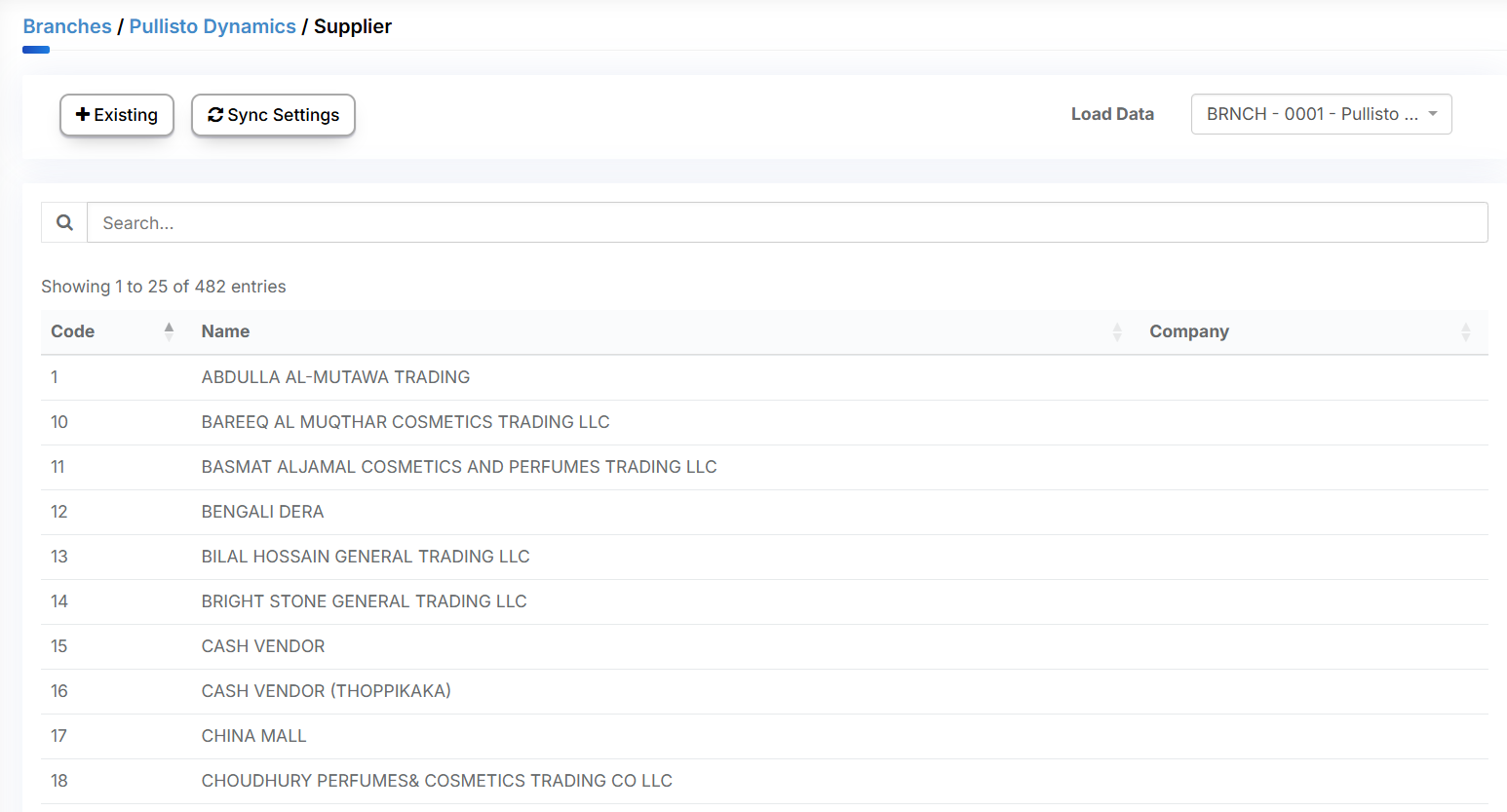
This option allows supplier masters to be shared across branches.
- Select the branch from the dropdown to which suppliers need to be added.
- Click on Existing to view the list of suppliers created in other branches.
- Select the required suppliers to add them to the selected branch.
This ensures consistency in supplier data and simplifies purchase operations across branches.
Last updated: July 24, 2026