Announcement
The Announcement module is used to publish internal announcements within the organization through the software. It helps management communicate important updates, notices, and information to selected users.
Creating a New Announcement
If you want to create a new announcement:
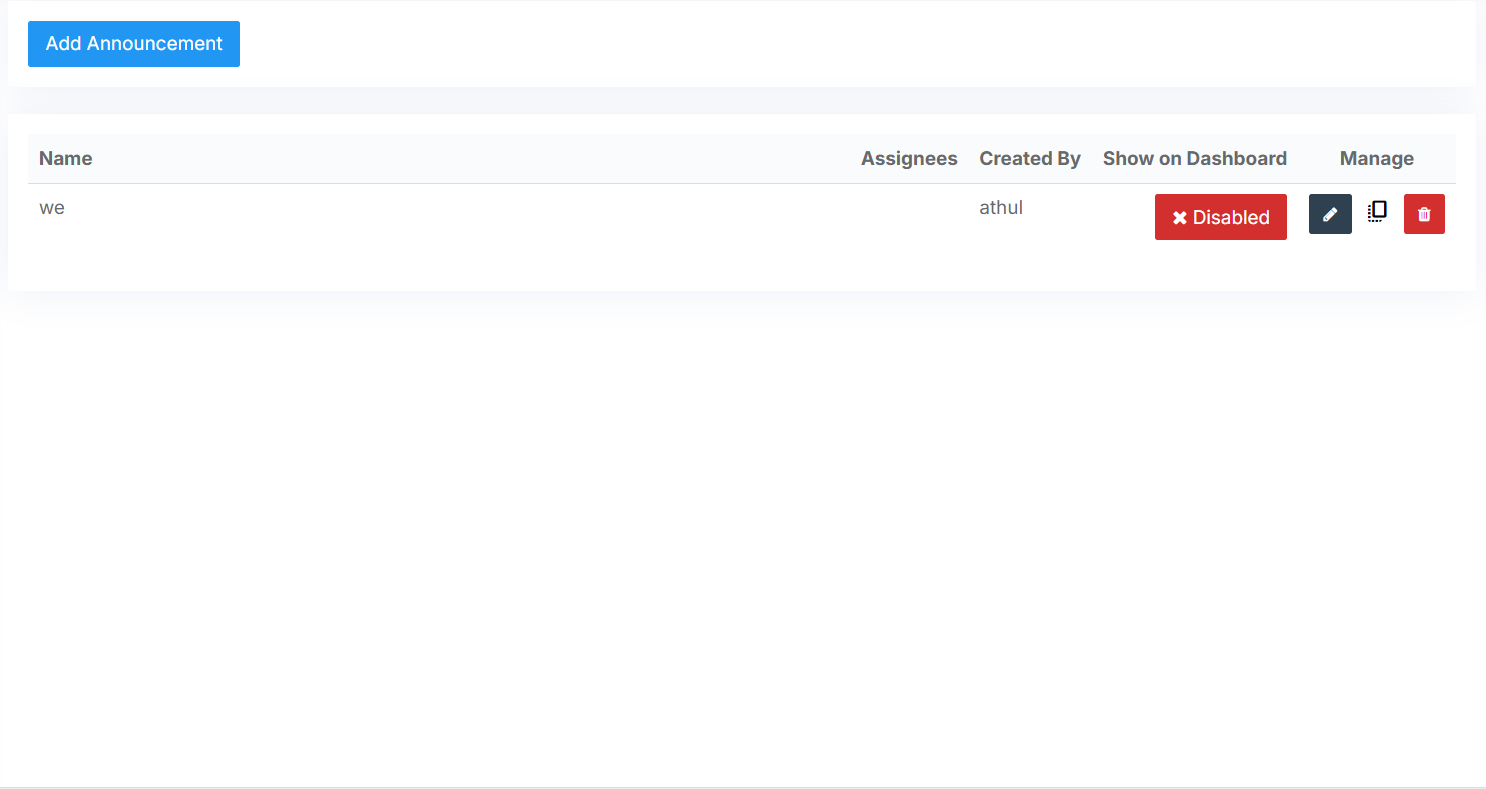
- Go to the Announcement module.
- Click Add Announcement.
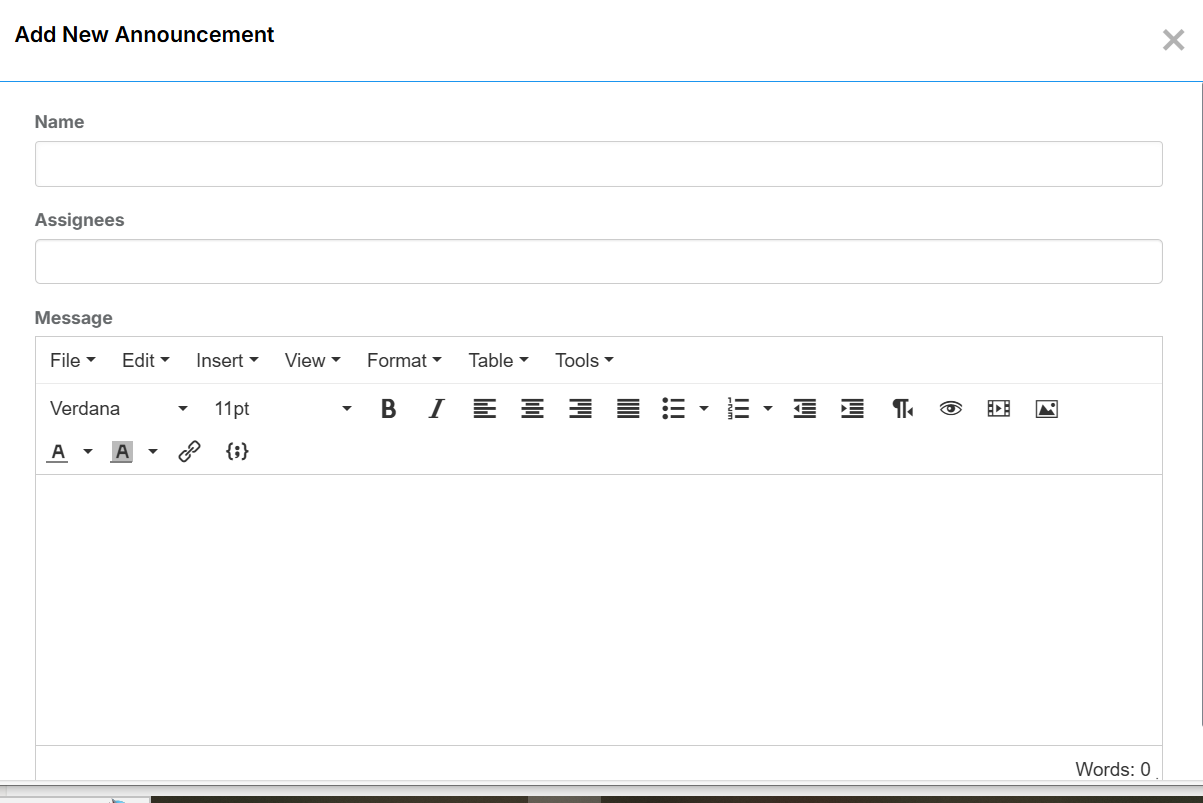
- You will be redirected to the announcement creation form.
In the creation form, you can enter:
- Name – Title of the announcement.
- Assignees – Select the users who should receive the announcement.
- Message – Enter the announcement content.
The message section includes a rich text editor where you can:
- Format text (change font style, size, bold, italic, etc.)
- Insert images
- Insert videos
- Edit and structure the content as required
After entering all details, click Save.
By default, the announcement will be set to Active, and it will appear on the dashboard of the selected assignees. You can later edit, deactivate, or delete the announcement from the Smart View if required.
Last updated: July 24, 2026