Banking
The Banking section is where you create and manage the company’s bank and cash accounts. This module allows you to maintain all financial accounts used for transactions within the system.
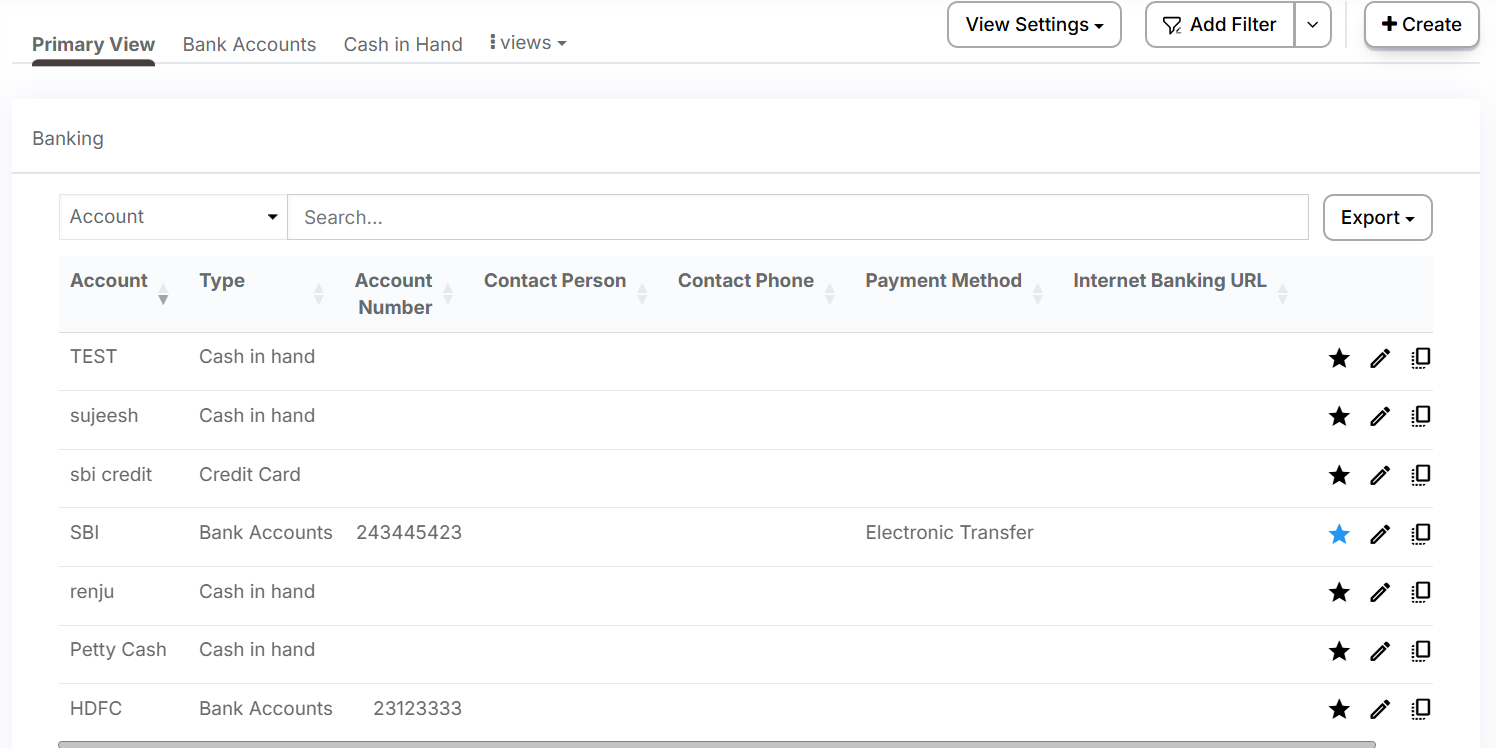
When you enter the Banking module, you can see the list of accounts that have already been created, along with their relevant details in the Smart View.
In the Manage section, the following options are available:
- Edit – Allows you to modify the account details if required.
- Clone – Allows you to duplicate the account and create a similar account quickly.
- View Statement – Allows you to view the detailed transaction statement of that specific account.
- Make Default – This option allows you to set the account as the default account for transactions in the system.
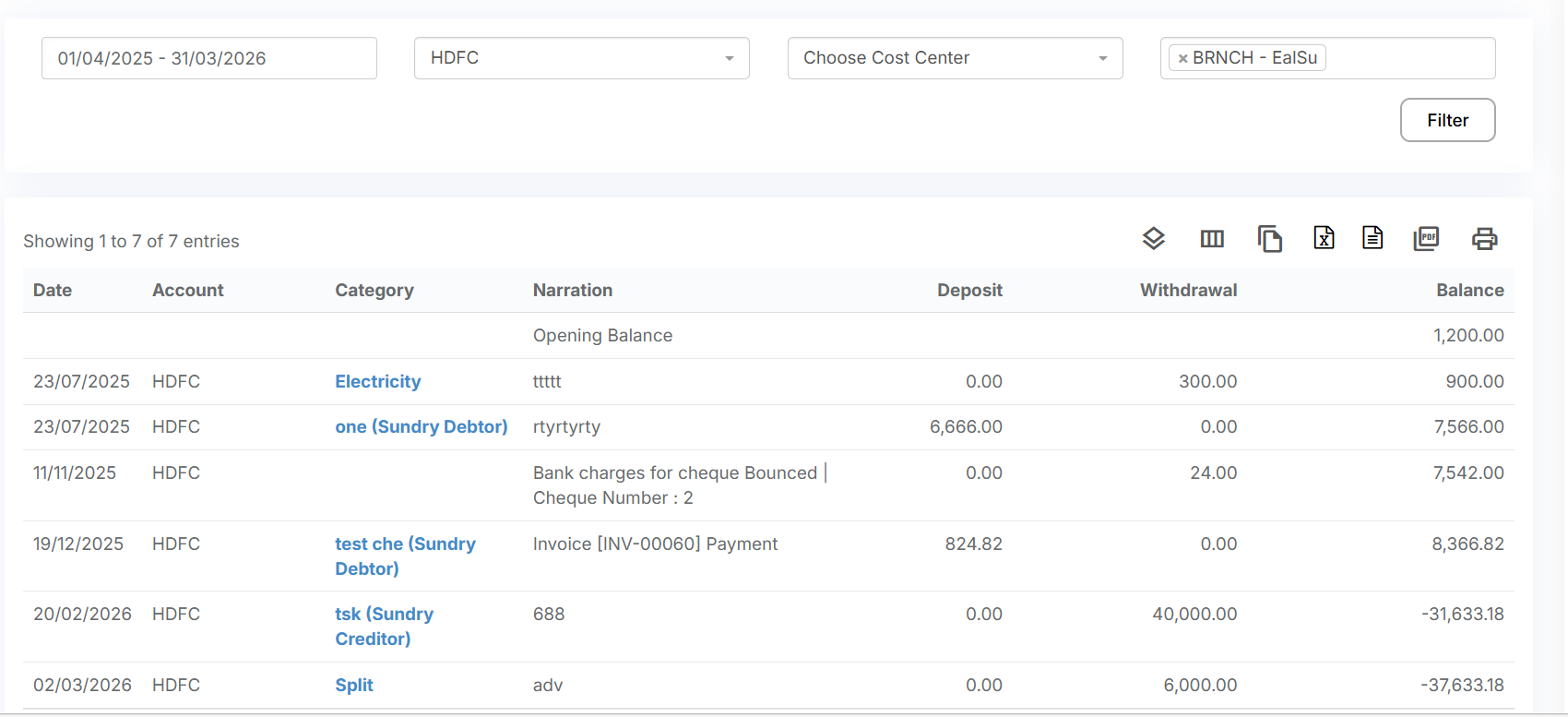
If you click the View Statement option from the Manage section, you will be redirected to the detailed account statement page of that specific account.
In this statement view, you can see the complete transaction history related to that account.
The statement includes the following details:
- Date
- Account
- Category
- Narration
- Deposit
- Withdrawal
- Balance
This statement helps users track all transactions associated with the account and monitor how the account balance changes over time.
 )
Last updated: July 24, 2026